


VChart 仪表盘如何自定义标题的显示位置?
问题描述
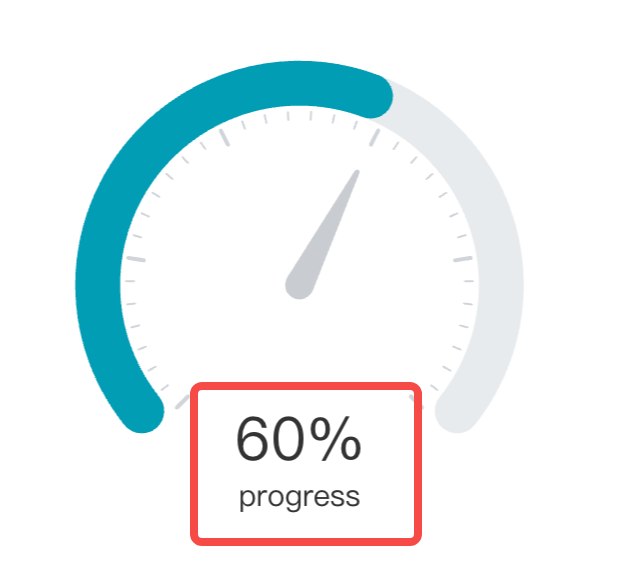
希望标题在仪表盘指针的下方,同时显示两行文字,请问这个怎么配置?
解决方案
你可以配置指标卡 indicator。指标卡默认显示在图表中间,你可以配置一个 y 方向的偏移量。indicator 也支持多行文本,以及分别设置样式:
indicator: [
  {
    visible: true,
    title: {
      style: {
        text: 'Normal',
        dy: 100,
        fill:'rgb(99,110,124)',
        fontSize: 40,
        fontWeight: 800
      }
    },
    content: [
      {
        visible: true,
        style: {
          fontSize: 20,
          dy: 100,
          fill:'rgb(193,200,204)',
          fontWeight: 800,
          text: 'Quality'
        }
      }
    ]
  }
],